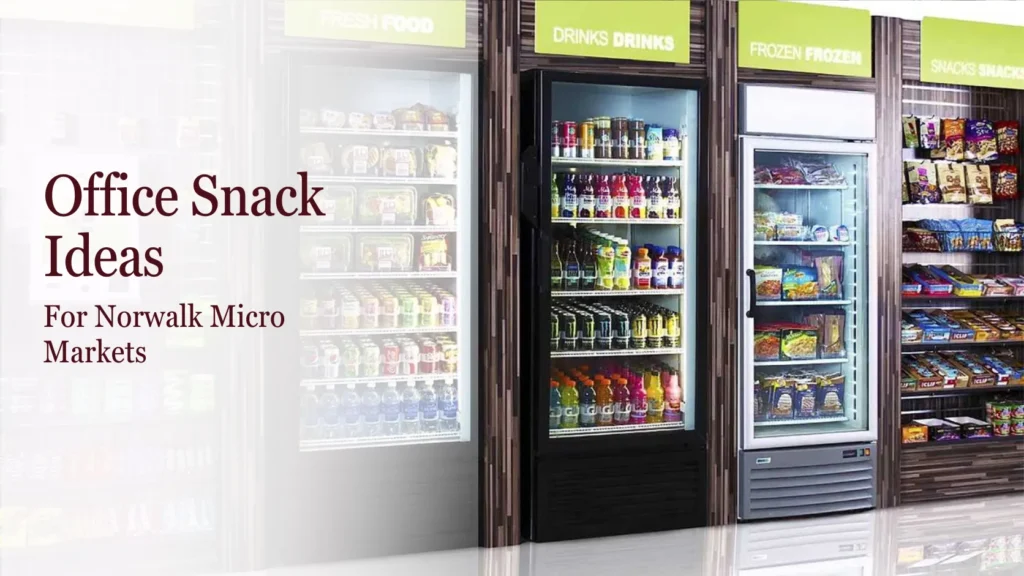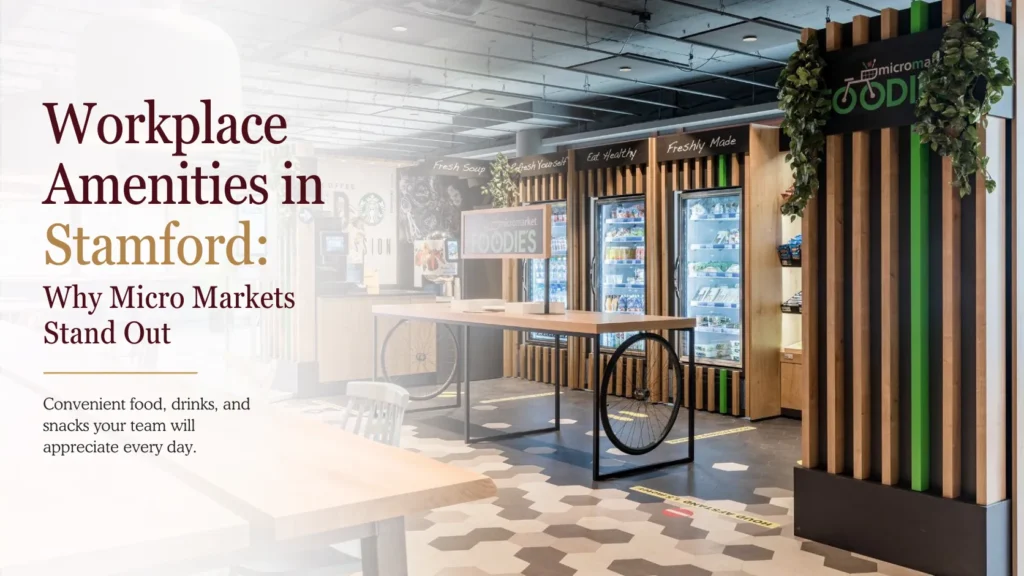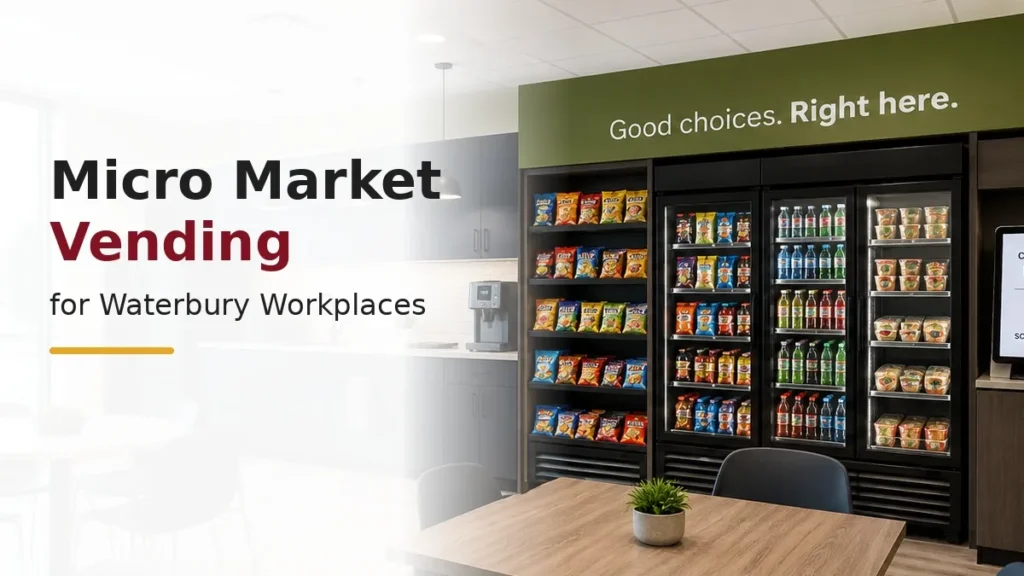

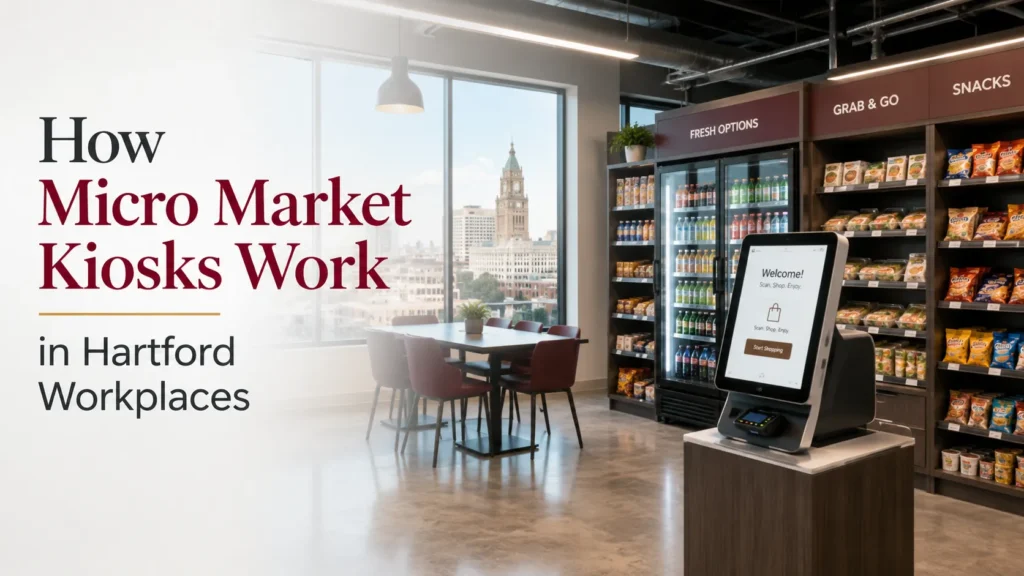
A micro market gives employees access to snacks, drinks, refrigerated food, and grab-and-go choices through an open, self-service setup. Instead of selecting every item from an enclosed vending machine, employees can browse shelves and coolers before completing their purchase at a central kiosk.
For Hartford workplaces, the kiosk is an important part of the market experience. It connects product selection with checkout and allows employees to complete purchases without a cashier standing in the break room. However, the kiosk is only one component of the setup. Shelving, refrigeration, product organization, payment instructions, and employee traffic all affect how well the market works.
This guide explains the role of a micro market kiosk, how employees use it, and what Hartford employers should consider before planning a self-service workplace market.
What Is a Micro Market Kiosk?
A micro market kiosk is the checkout point used within an open workplace food market. Employees select products from shelves or refrigerated displays, bring those items to the kiosk, and follow the on-screen process to complete the purchase. The exact checkout method and supported payment options depend on the equipment installed at the workplace.
The kiosk does not replace the entire break room or serve as a stand-alone vending machine. It works alongside product displays, coolers, and other market fixtures. Together, these elements create a small workplace convenience store where employees can browse products before deciding what to purchase.
What Does a Complete Micro Market Include?
A complete micro market includes more than a screen and payment terminal. It needs an organized product area, suitable refrigeration, visible pricing, and enough space for employees to browse and check out comfortably. The exact size and product range can vary according to the workplace. Businesses planning their setup should also consider factors such as available space, product mix, and employee traffic when evaluating micro market vending options.
A smaller Hartford office may use a compact setup with one refrigerated unit, a few shelves, and a self-service kiosk. A larger workplace may have room for several displays, meals, beverages, snacks, and a broader checkout area. The most useful setup is one that fits the available space without blocking seating, appliances, entrances, or main walkways.
Open Product Shelves
Open shelving can display packaged snacks and shelf-stable products where employees can review labels and make selections without using a machine interface.
Refrigerated Displays
Glass-front coolers can hold cold beverages, meals, sandwiches, salads, and other refrigerated products. Doors should have enough clearance to open without interfering with employee movement.
Self-Service Checkout
The kiosk provides a central point where employees identify selected products, review the purchase, and follow the available payment steps.
How Employees Use a Self-Service Kiosk
The checkout process should be easy to understand, even for employees using the market for the first time. Product organization and kiosk placement both influence how smoothly people move through the setup. Employees should be able to find products, reach the kiosk, and complete a transaction without moving through a crowded seating or food preparation area.
The specific steps can vary according to the system installed. Employers should therefore use instructions provided for their actual equipment rather than assuming every self-service kiosk works identically. The general experience usually involves selecting products, identifying each item at checkout, reviewing the transaction, and completing payment.
Step 1: Browse the Market
Employees review products on open shelves and inside refrigerated displays. This allows them to inspect packaging and compare available food or beverage options before checkout.
Step 2: Bring Items to the Kiosk
Selected products are taken to the checkout point. The kiosk should be visible from the shopping area and positioned along a natural path through the market.
Step 3: Identify the Products
Employees use the method supported by the installed system to identify each item. The screen should display the product and price so the user can review the purchase.
Step 4: Complete the Transaction
The employee follows the payment instructions displayed on the screen. Supported payment methods should be confirmed for the specific kiosk rather than described broadly without verification.
How Does a Cashless Kiosk Work?
A cashless kiosk completes transactions without requiring employees to insert coins or paper bills. Depending on the selected equipment, the system may support cards, mobile payments, workplace accounts, or other approved digital methods. The exact options should be confirmed during the planning process.
Cashless checkout can reduce the need to manage physical money inside the break room, but the experience still needs to remain clear and accessible. The screen, payment terminal, and instructions should be easy to see. Employers should also understand how questions or unsuccessful transactions will be handled before the market opens for employee use.
What Does Unattended Checkout Mean?
Unattended checkout means employees complete purchases without a cashier stationed in the market. The kiosk manages the transaction process while the food and beverages remain available in an open self-service area.
This does not mean the market operates without planning or ongoing attention. Products still need to remain organized, pricing should be clear, and the checkout equipment should be accessible. The workplace should also know whom to contact if an employee encounters a problem. The refreshment provider and employer should clarify responsibilities so staff understand how the market is expected to operate.
How Should the Kiosk Be Positioned?
Kiosk placement affects both checkout convenience and overall break room traffic. Proper break room design helps ensure that checkout areas, product displays, seating, and employee traffic flow together without creating congestion. The equipment should be easy to see from the product displays, but it should not block cooler doors, entrances, counters, seating, or access to other shared equipment.
A natural layout allows employees to enter the market, browse products, reach the checkout point, and then move away without crossing back through people who are still shopping. In a Hartford workplace with a smaller break room, the kiosk may need to sit near one end of the product area. Larger rooms may allow a more defined checkout zone with additional standing space.
Keep It Visible
Employees should not have to search for the kiosk after choosing their products. It should be noticeable from shelves and refrigerated displays.
Leave Standing Space
The checkout area needs enough room for one employee to complete a transaction without blocking another employee from browsing or passing through the room.
Separate Busy Areas
Where possible, keep the kiosk away from microwaves, coffee stations, sinks, and other areas that already attract employee traffic.
How Product Displays and Checkout Work Together
A self-checkout market works best when products are arranged clearly and predictably. Similar items should remain together, refrigerated products should be easy to view, and frequently selected options should not be placed in cramped corners.
Clear organization can also make checkout easier. Employees should be able to move from shelves and coolers to the kiosk without unnecessary backtracking. Visible pricing and logical product placement reduce confusion before the transaction begins. This matters during common break periods, when several people may be using the market and other parts of the break room at the same time.
Micro Market Kiosk vs. Traditional Vending Machine
A micro market kiosk and a vending machine both support self-service purchases, but they provide different shopping experiences. Vending machines keep products enclosed inside individual units. Employees choose from the machine display and pay directly at the equipment.
A micro market uses open shelves, refrigerated cases, and a central checkout point. Employees browse the market first and then complete the purchase at the kiosk. This format can support a broader retail-style arrangement, but it generally requires more space for product displays, checkout, and employee movement.
| Feature | Micro Market Kiosk | Traditional Vending |
|---|---|---|
| Product access | Open shelves and refrigerated displays | Products remain inside machines |
| Checkout location | Central self-service kiosk | Payment is completed at each machine |
| Shopping process | Browse first, then pay | Select and pay at the machine |
| Space required | Room for displays and movement | More compact equipment footprint |
| Product format | Can support snacks, drinks, and meals | Depends on machine configuration |
Hartford employers comparing both formats can review Berkshire Food’s office vending machine service alongside its micro market options. Businesses exploring different workplace refreshment formats can also consider vending machine alternatives that provide more flexibility, product variety, and a different employee shopping experience.
What Hartford Employers Should Review Before Installation
Planning should begin with the entire break room rather than the kiosk alone. Employers need to consider the space required for shelves, refrigeration, checkout, seating, and safe employee movement. Existing coffee equipment, microwaves, sinks, cabinets, and doors can also affect the proposed layout.
Employee schedules matter as well. A traditional office may experience concentrated use during lunch and afternoon breaks. A workplace with staggered hours may see smaller groups using the market throughout the day. These patterns can influence product selection, cooler capacity, and the amount of browsing and checkout space required.
Available Space
Measure usable wall and floor space without including walkways, door clearance, seating areas, or access needed for other equipment.
Electrical and Equipment Needs
Refrigeration and checkout equipment may require suitable electrical access. Any additional technical requirements should be confirmed with the provider.
Employee Traffic
Consider how many employees may browse or check out during busy periods. The room should remain comfortable to move through when other break room features are also in use.
Product Priorities
The market should reflect what employees are likely to use, whether that includes packaged snacks, cold beverages, breakfast items, meals, or a combination.
Can a Micro Market Kiosk Fit in a Small Office?
A micro market kiosk may fit in a smaller workplace when the overall setup remains compact and carefully planned. The market does not always require an entire dedicated room, but it does need enough space for checkout, products, refrigeration, and employee movement.
A smaller Hartford office might use one refrigerated unit, limited shelving, and a focused selection rather than a full workplace convenience store layout. Employers should avoid adding more fixtures than the room can support. In some cases, vending machines or a Smart Cooler may be more suitable when an open market would reduce seating or block important walkways.
How a Kiosk Supports Different Work Schedules
A self-service kiosk can support workplaces where employees take breaks at different times. Because checkout does not depend on a cashier being present, employees can use the market whenever the space is available under the workplace’s operating arrangements.
This flexibility may suit Hartford offices with traditional schedules as well as facilities with staggered shifts. Product planning should still reflect actual workplace needs. Employees who work later hours may look for different food and beverage choices than teams using the market mainly during standard lunch periods. Employers should review schedules before deciding on product range and refrigeration capacity.
Questions to Ask a Micro Market Provider
Employers should understand both the checkout technology and the physical market setup before moving forward. The proposed kiosk should be reviewed together with product displays, cooler placement, employee traffic, and the existing break room layout.
A useful planning conversation should also clarify payment options, equipment requirements, employee instructions, and the service process. Employers should not assume that every kiosk offers the same functions. Asking specific questions helps prevent misunderstandings and creates a clearer plan for introducing the market to employees.
Questions may include:
- Which payment methods does the proposed kiosk support?
- How are products identified during checkout?
- How much space is required around the kiosk?
- What electrical or technical access does the equipment need?
- Where should the checkout point sit within the market layout?
- What instructions will employees receive?
- Who should the workplace contact if a checkout issue occurs?
- Can the market work alongside existing coffee or vending services?
Planning a Hartford Office Micro Market
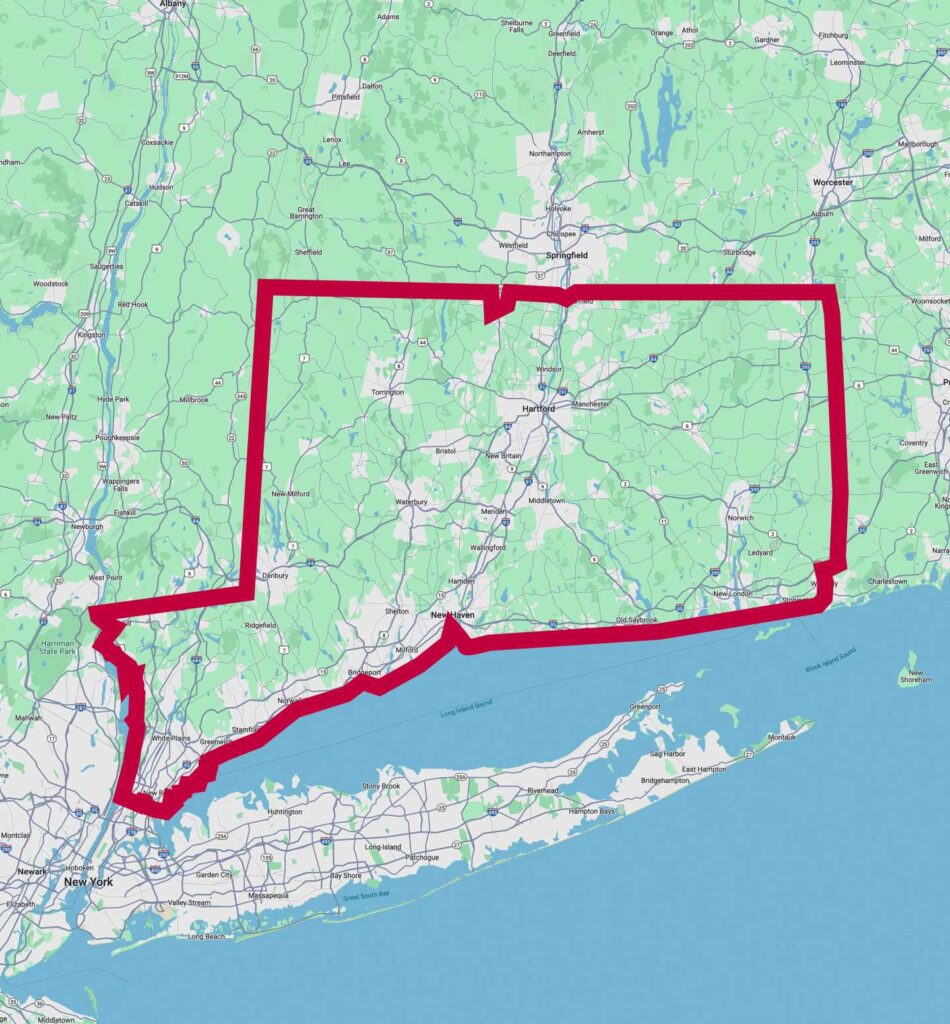
Berkshire Food provides office micro market service for workplaces across Connecticut and Upper Westchester County, NY. A Hartford employer can begin by reviewing its available space, employee schedules, existing break room equipment, and preferred food and beverage choices.
The kiosk should be considered as part of the full market rather than as a separate technology purchase. Businesses planning a complete workplace solution can also review our office micro market guide to understand how food displays, checkout systems, and employee access work together. Businesses considering a new market can explore workplace refreshment services in Hartford, CT and discuss their office space, employee needs, and refreshment options with Berkshire Food.
Frequently Asked Questions
No. A vending machine stores and dispenses products from an enclosed unit, with checkout taking place at that machine. A micro market kiosk serves as the central checkout point for products displayed on open shelves or inside refrigerated cases. Employees browse the available selection before bringing their items to the kiosk.
No. The payment methods depend on the equipment and system installed at the workplace. Some kiosks may support cards, mobile payments, accounts, or other approved methods. Employers should confirm the exact options with the provider before communicating payment information to employees.
It may work when there is sufficient space for the kiosk, products, refrigeration, and employee movement. A compact market can use fewer displays and a focused product range. The setup should not block entrances, seating, appliances, cooler doors, or important walkways.
The kiosk should be visible from the shopping area and placed near the natural end of the browsing path. Employees need enough room to stand, review products, complete payment, and move away without blocking other users. It should also remain separate from busy food preparation areas where possible.
No. Unattended checkout means purchases are completed without a cashier standing at the market. The setup still needs organized products, functioning equipment, clear pricing, and an established support process. The employer should understand whom to contact when service or checkout questions arise.
A micro market can include refrigerated meals when the proposed setup has suitable cooler capacity and adequate space. The product range may include sandwiches, salads, beverages, or other grab-and-go choices. Selection should reflect the equipment available and the way employees are expected to use the market.
Yes, the two formats may be used in the same workplace when they serve different needs, and the room has enough space. Employers should review whether the combined setup improves employee access or creates unnecessary duplication. Each shopping and checkout area should remain clear and easy to use.
The business should first review employee numbers, work schedules, available break room space, current refreshment services, and preferred product types. These details can support a focused discussion about whether a kiosk-based market is appropriate and what layout, equipment, and checkout considerations need to be addressed.